A three-day talk show at SETT2015 - part 3 - Broadcast and graphics
 Micke Kring
·
Micke Kring
·
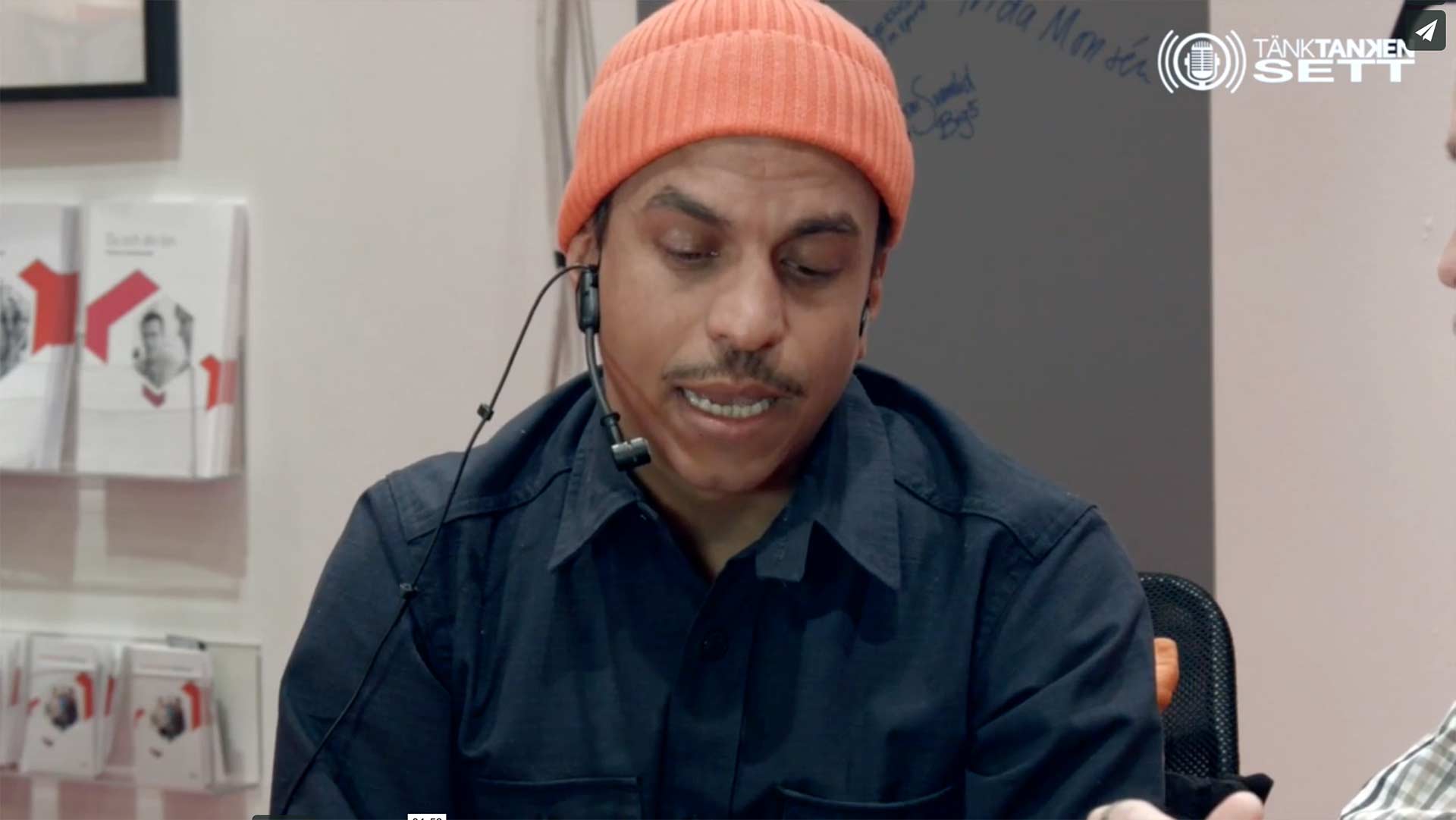
Okay. So we know the prerequisites and which technology we’re using. Now it’s time to take a look at the software I use both for creating the graphics and for live broadcasting. And if you come into this article series directly, you can easily catch up from the beginning via the links at the bottom of this article.
Intro - Video and music jingle
We need an intro for the show. Both video and a music jingle. Depending on how much time is available I usually try to do as much as possible myself. Or get friends to help. In this case I purchased an Apple Motion project from motionvfx.com for $50. Simply a ready-made template that I like and that looks good.
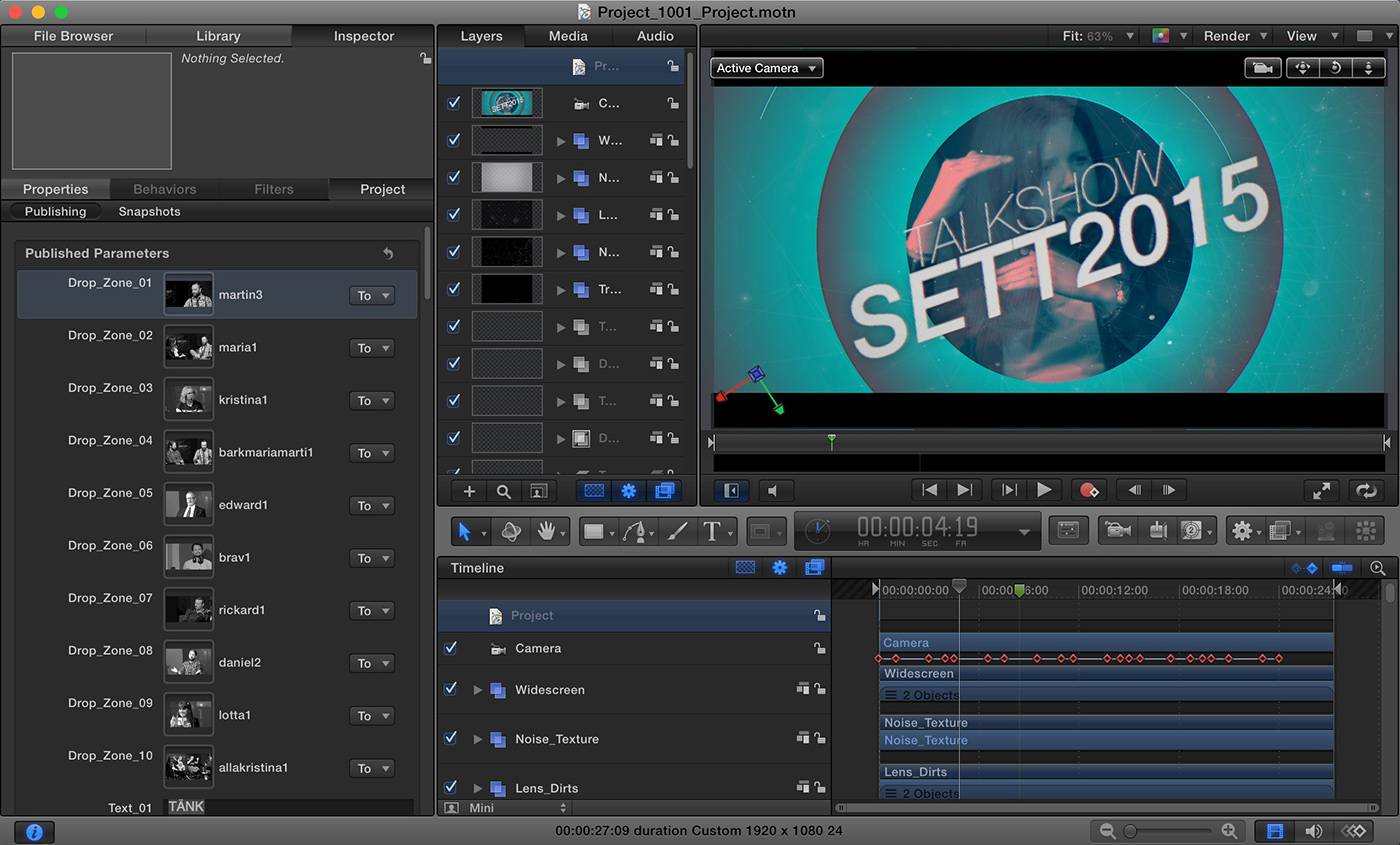 Introskapande i Apple Motion
Apple Motion is a program for creating motion graphics, similar to Adobe After Effects, and you open the project you bought, swap out the text and video for what you want and voilà, you have a nice intro in a few hours. You’ll quickly recoup the $50. Just calculate your hourly cost. It’s about being as cost-effective as possible and here you save a lot of money by smartly spending a little money. We’re not a production company [but a municipal primary school] and the time that can be spent on this is kept to a minimum. Still, it ends up being quite a few late nights, as this takes a lot of time. So save where you can.
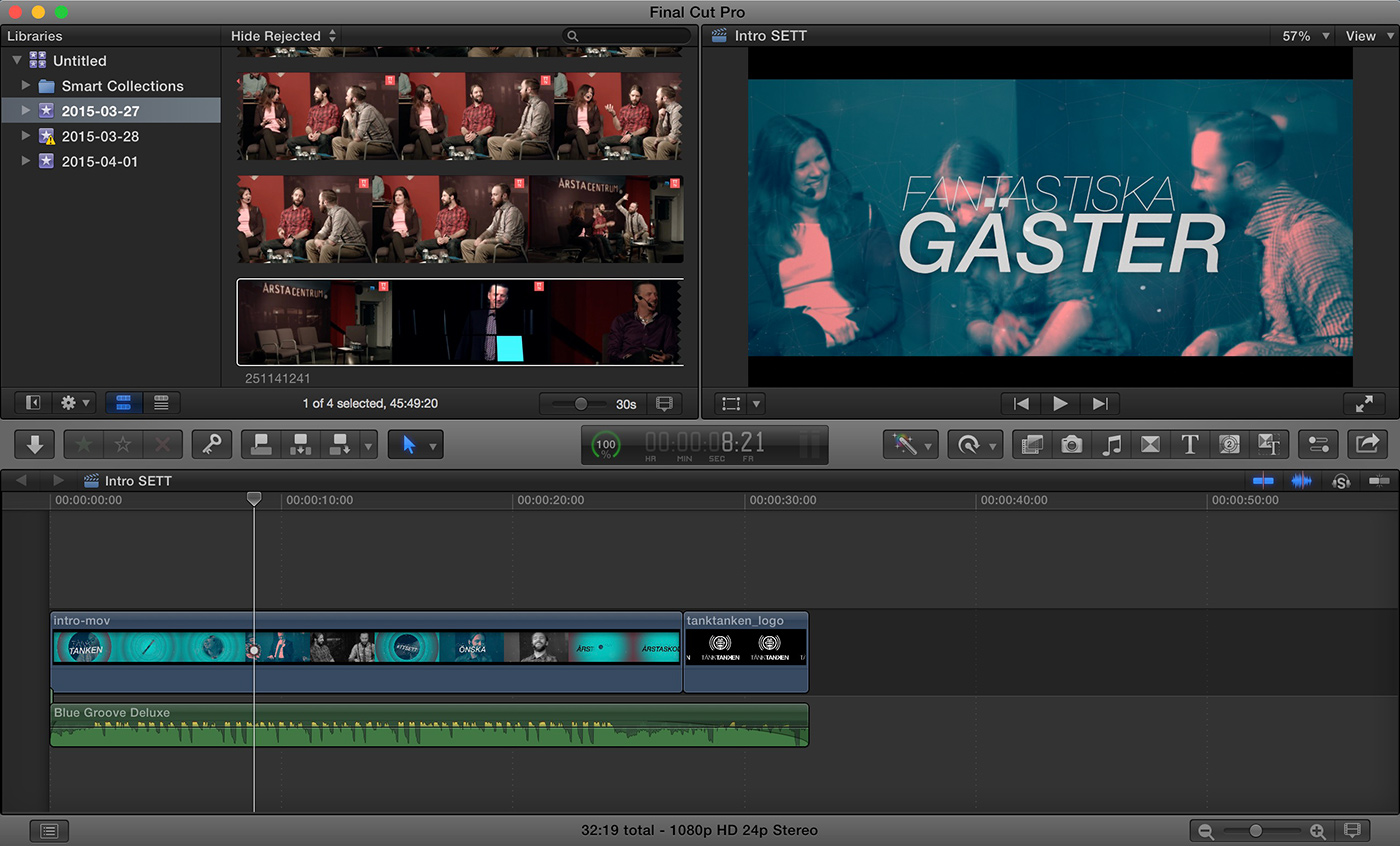 Ihopsättning av bild och ljud i Final Cut Pro
The jingle then? I bought that from audiojungle.net for $18. Once you’ve rendered the movie in Apple Motion and everything needs to be assembled, I do that in Apple’s Final Cut Pro.
Outro
Every program also needs an outro with credits to those who helped make the show. Here I just used a standard template in Final Cut Pro and added our logo and the jingle.
Lower thirds
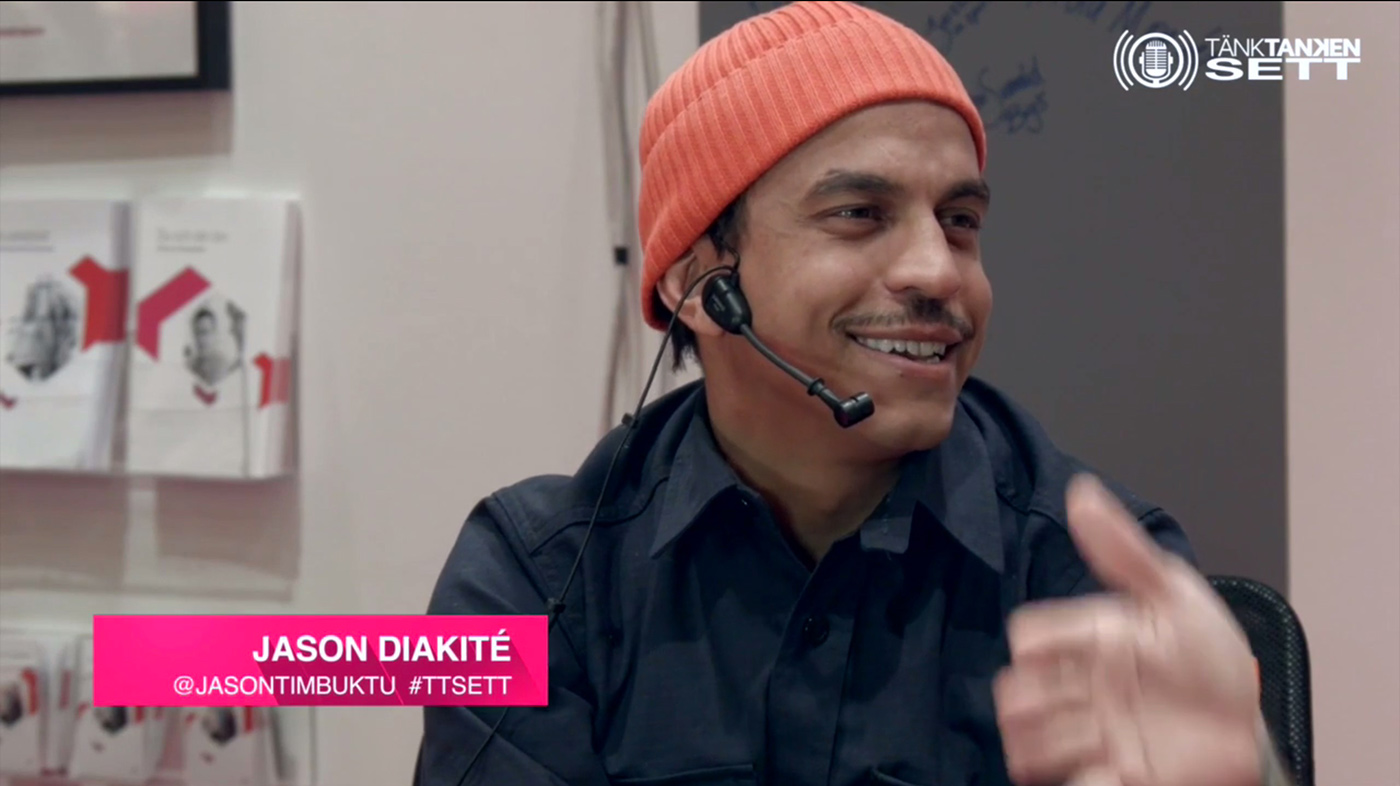
Another thing needed during the show is what’s called lower thirds — in our case text banners with the guests’ names and the host. For this I did the same as with the intro and bought a nice animated variant on videohive.net, edited it in Apple Motion and saved these in ProRes 4444 to preserve transparency. These are intended to be run live “on top of” the camera images.
Other graphics
Between segments in the live broadcast we also had a program schedule so that both online viewers and visitors at SETT would see when the next broadcast would start. Of course the small Tänktanken logo in the top right corner is also a graphic element. I also put these together in Adobe Photoshop. All saved as PNG files to preserve transparency. These are overlaid live in the broadcast software Wirecast.
Live broadcasting - Wirecast
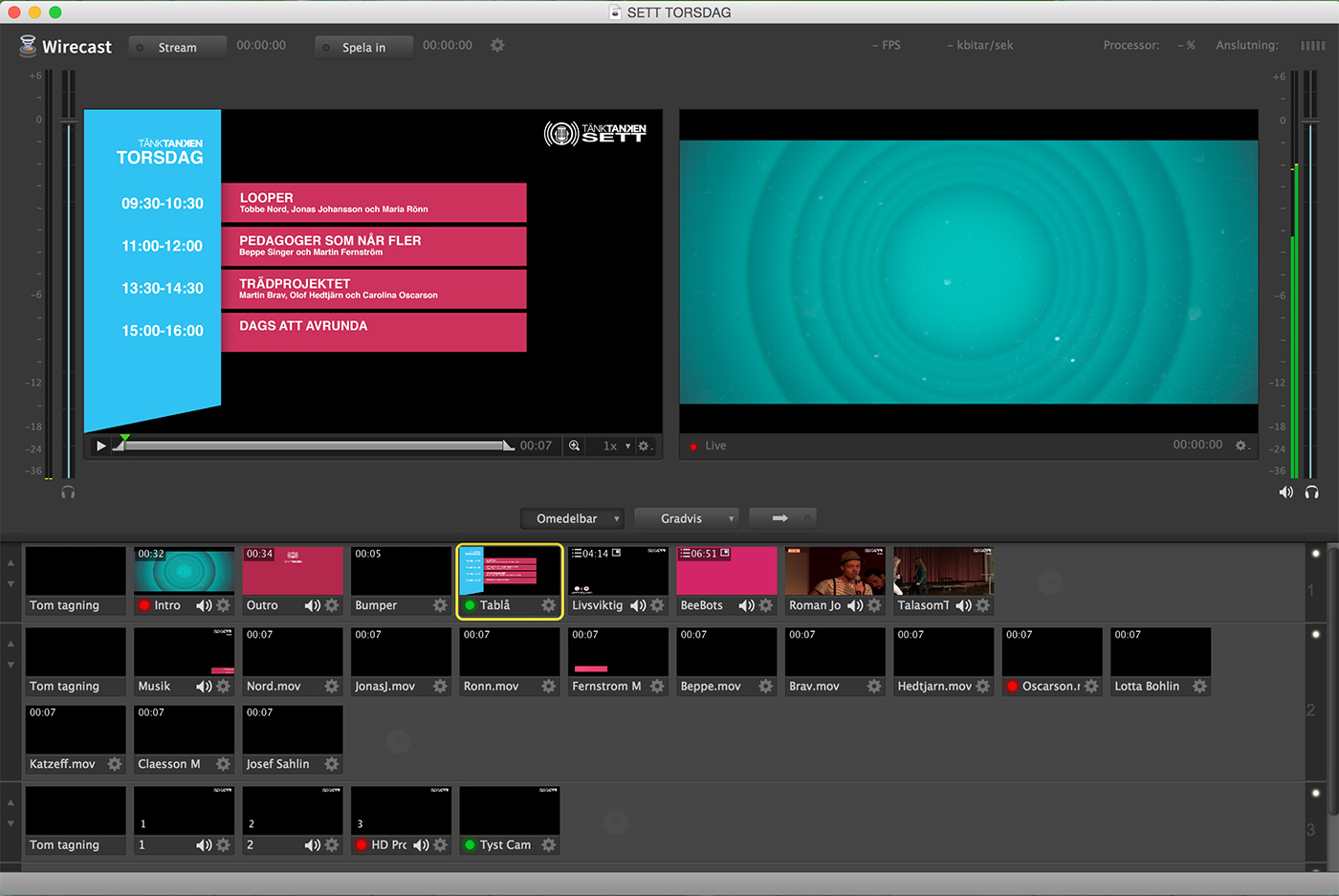 Once all the graphics were ready I started building my broadcast projects — one for each day we broadcast. Wirecast is the software we use for live streaming. All live sources like cameras and audio are connected and set up here together with all the graphic elements I’ve created. In Wirecast you work in layers with your “shots” or takes. The two large windows in the image above show what’s live on the right and a preview window on the left. The small windows below are all your cameras, intro, outro, lower thirds, etc. The topmost layer is shown “in front” of the image. That’s why the cameras are at the bottom. You also need to keep an eye on things and be quick with your fingers when you mix everything live. The stream is then sent via Wirecast to a Swedish streaming service called Solidtango. We’ve also streamed live to YouTube and Bambuser before.
Summary
Things take time. A lot of time. It may sound simple in my description of how I do things here. It’s not that simple. And it takes time. Much of my job is about constantly trying to get the most out of the hours I have. That means looking for more efficient and new solutions and trying to become as good as I can at what I need to know to achieve the results I want. All the time. Before every new project. We also aim to “compete” with the best. If we do a video broadcast it should be as good as if SVT were doing it. It won’t be, but that’s the aim. That also means I look at how broadcasts on, for example, SVT look and work. Graphics, sound, vision mixing, etc. All to be able to “cheat” as well as possible. And it gets better and better each time. And we aim a little higher each time. New possibilities with the technology open up the more you get into it.
Next part - Web, app and social media
In the next part I will go through how we reach out. The thinking behind the website, the app and social media.
Read part 1 - Introduction Read part 2 - The technology Read part 3 - Broadcasting and graphics
About the author
Micke Kring
I'm fascinated by what happens when people and technology meet. After nearly 30 years in education and development, I explore, prototype and teach AI with the same playful curiosity as when I first started out.