Video setup for running online lectures 2023
 Micke Kring
·
Micke Kring
·
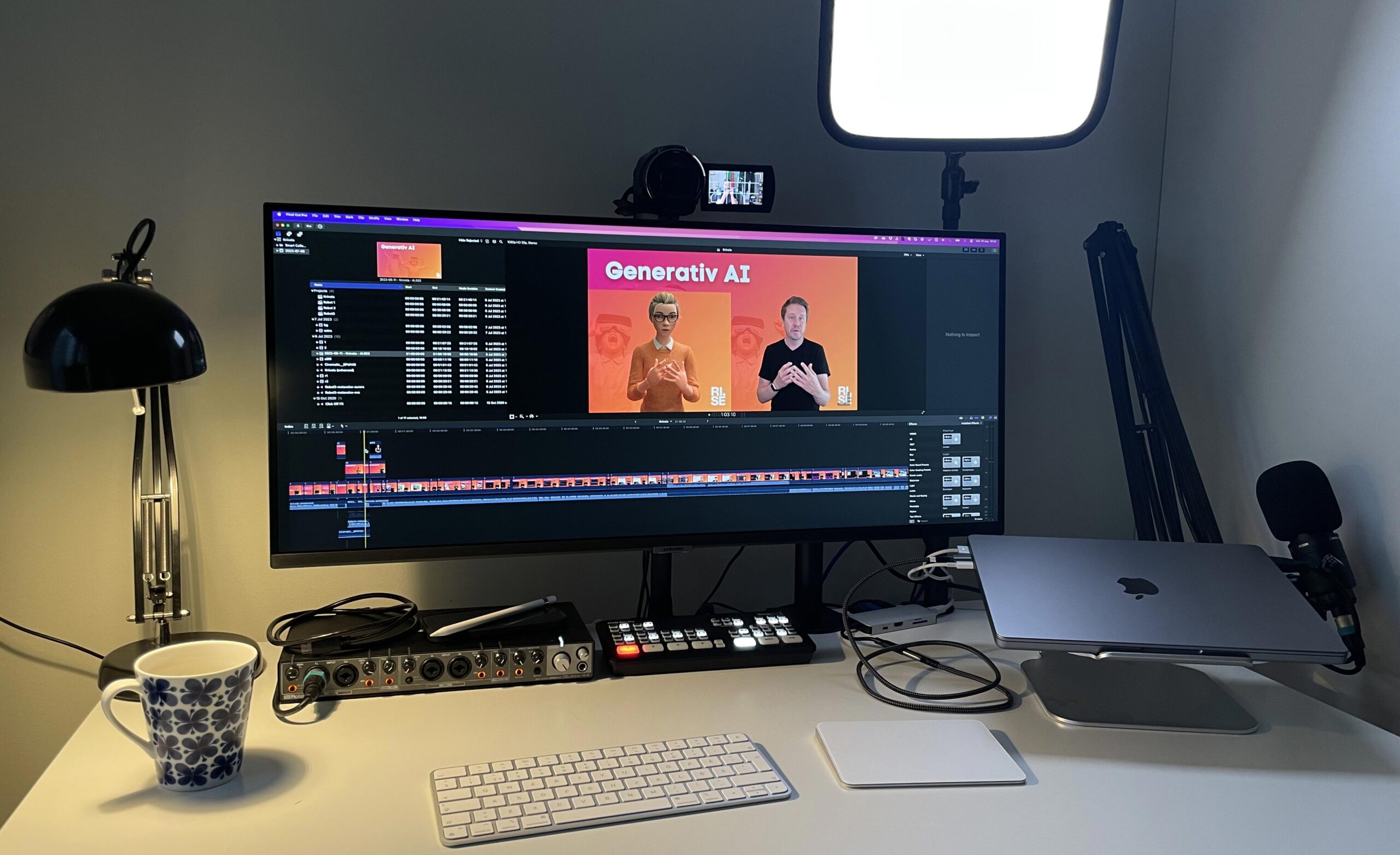
I’ve had a number of questions about the kind of setup I use when I run online lectures, so here’s a short film about it, anno 2023. I aim to be as lo-tech as possible, which lets me focus on the lecture itself rather than fiddling with screen sharing and the like. My Keynote is my background and I use a green screen.
In the film below I show my workflow which starts from a camera and a Keynote as the background running on an external device. The camera and the device with the Keynote go via HDMI into a video mixer, an ATEM Mini. The video mixer is connected to the broadcast computer and appears as a regular webcam.
Equipment
Camera - Sony FDR-AX53
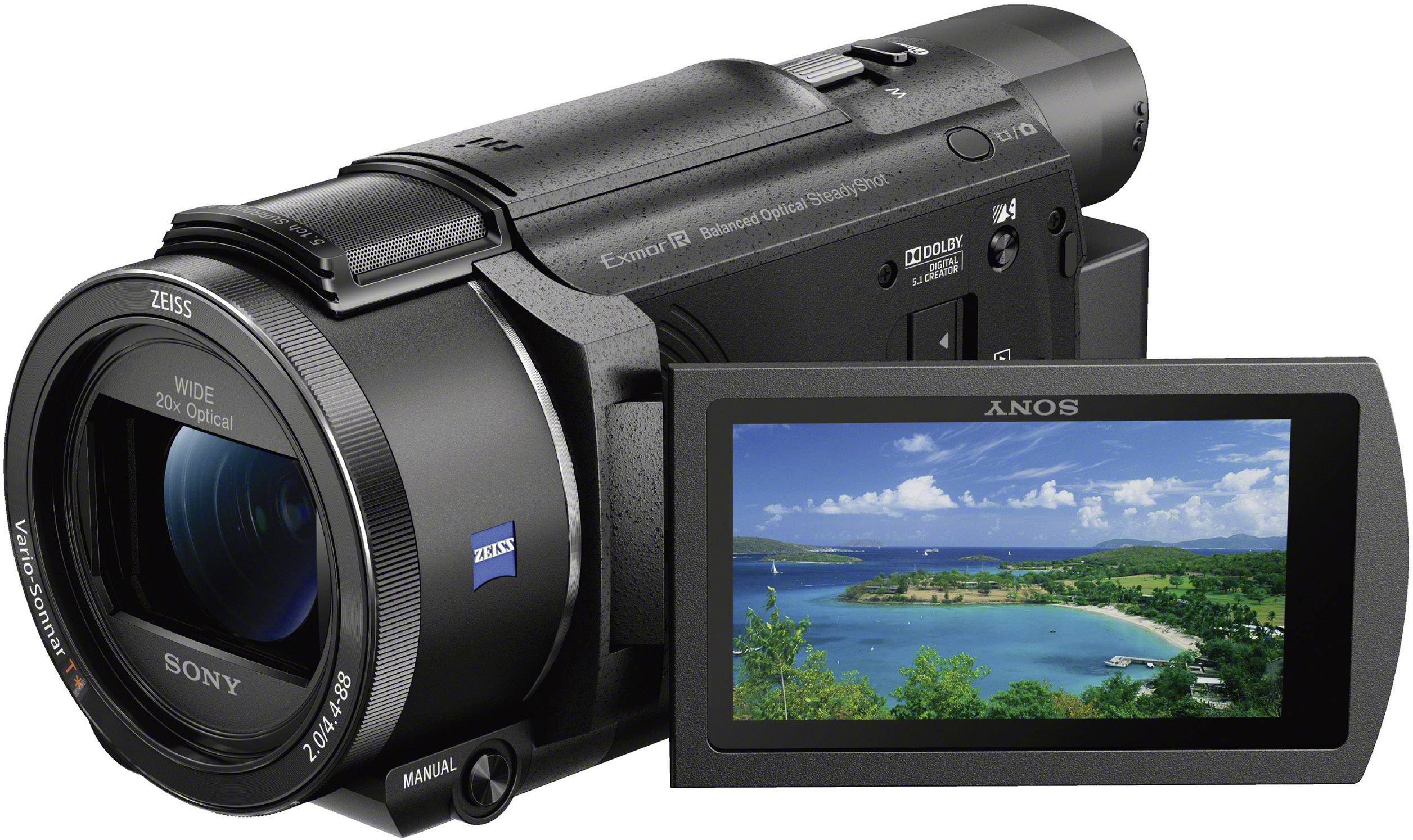 A classic camcorder with a few years on it. Records up to 4K. A real workhorse for both streaming and regular filming. www.sony.se/electronics/handycam-videokameror/fdr-ax53
Video mixer - ATEM Mini Pro
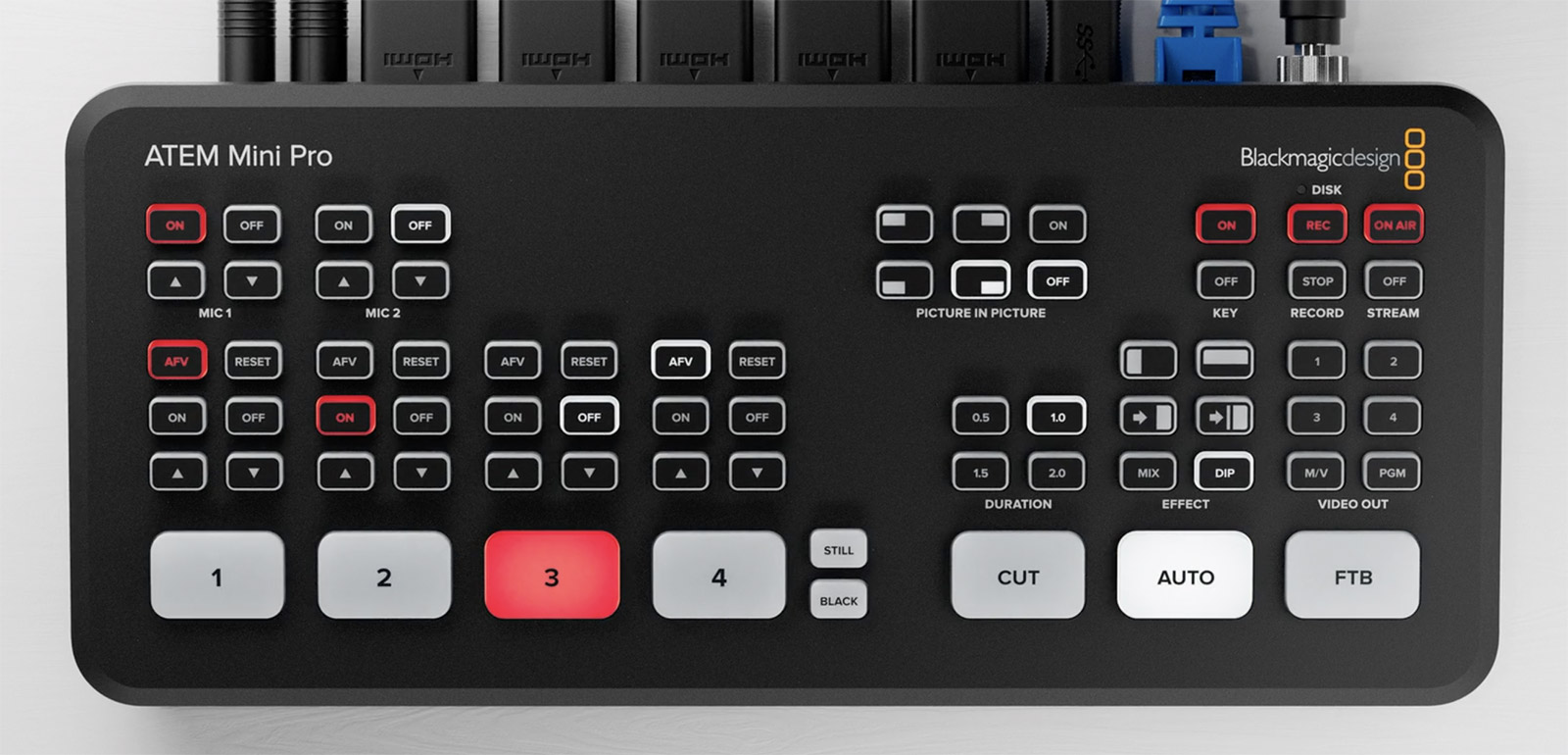 Here I connect all sorts of things via HDMI and mix the sources. www.blackmagicdesign.com/se/products/atemmini
Lighting - Elgato Key Light
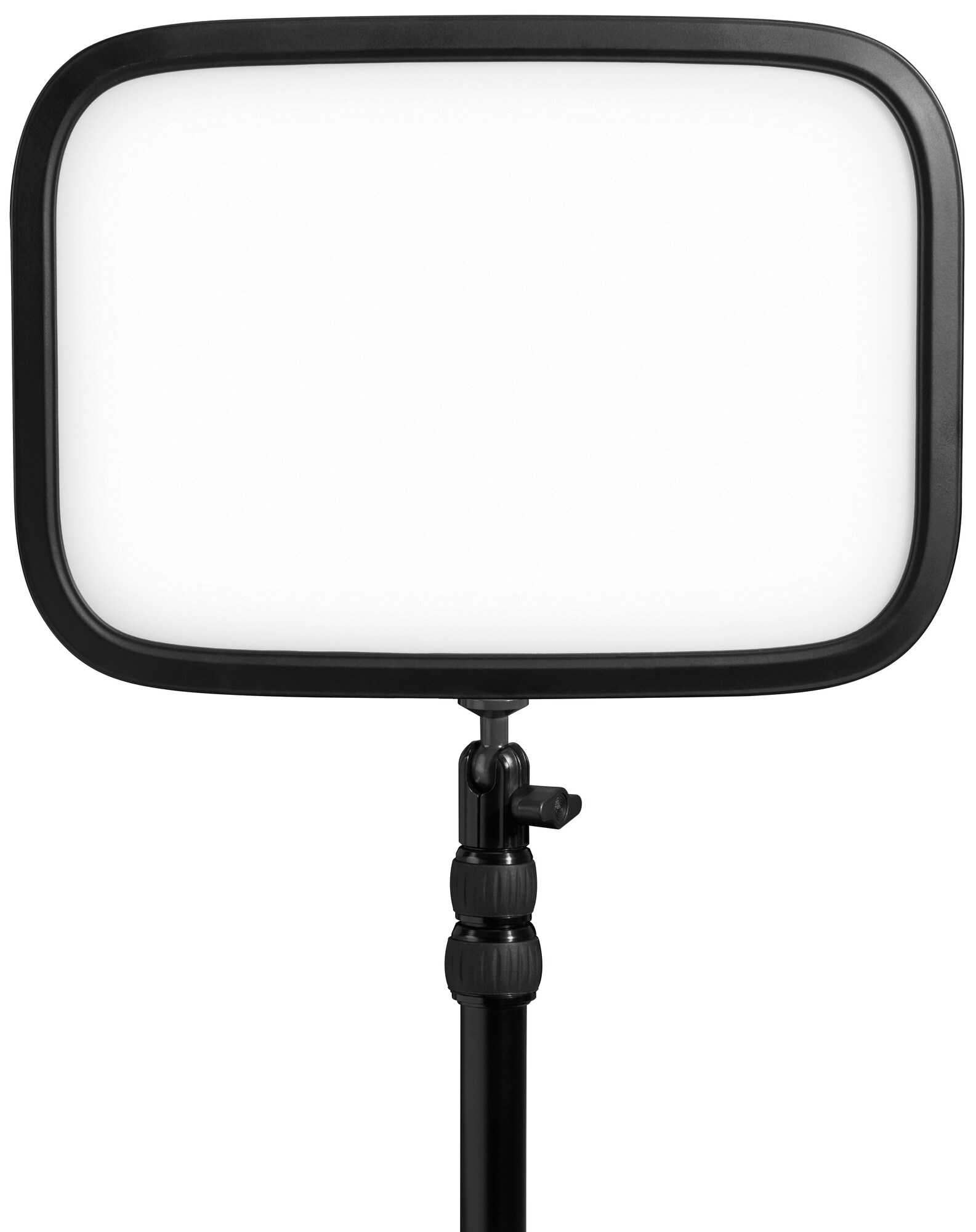 Good lighting that’s controlled via an app either from your phone or computer. www.elgato.com/us/sv/p/key-light
Audio interface - Roland Rubix44
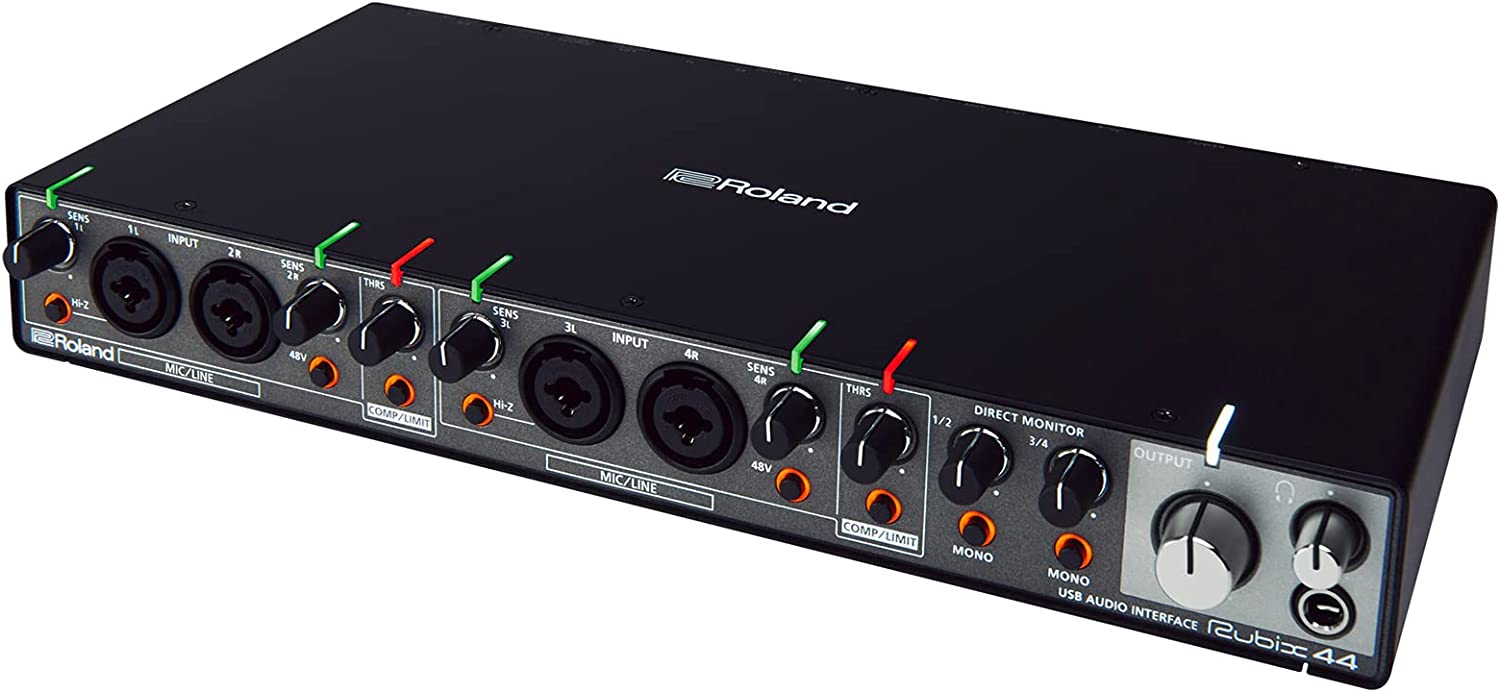 I bought this audio interface a number of years ago because I wanted the ability to record 4 separate microphones simultaneously for podcasts and similar. www.roland.com/us/products/rubix44/
Microphone - Audio-Technica AT2020
A perfectly fine large-diaphragm microphone for the price.  www.audio-technica.com/en-eu/at2020
Green Screen - Elgato Green Screen
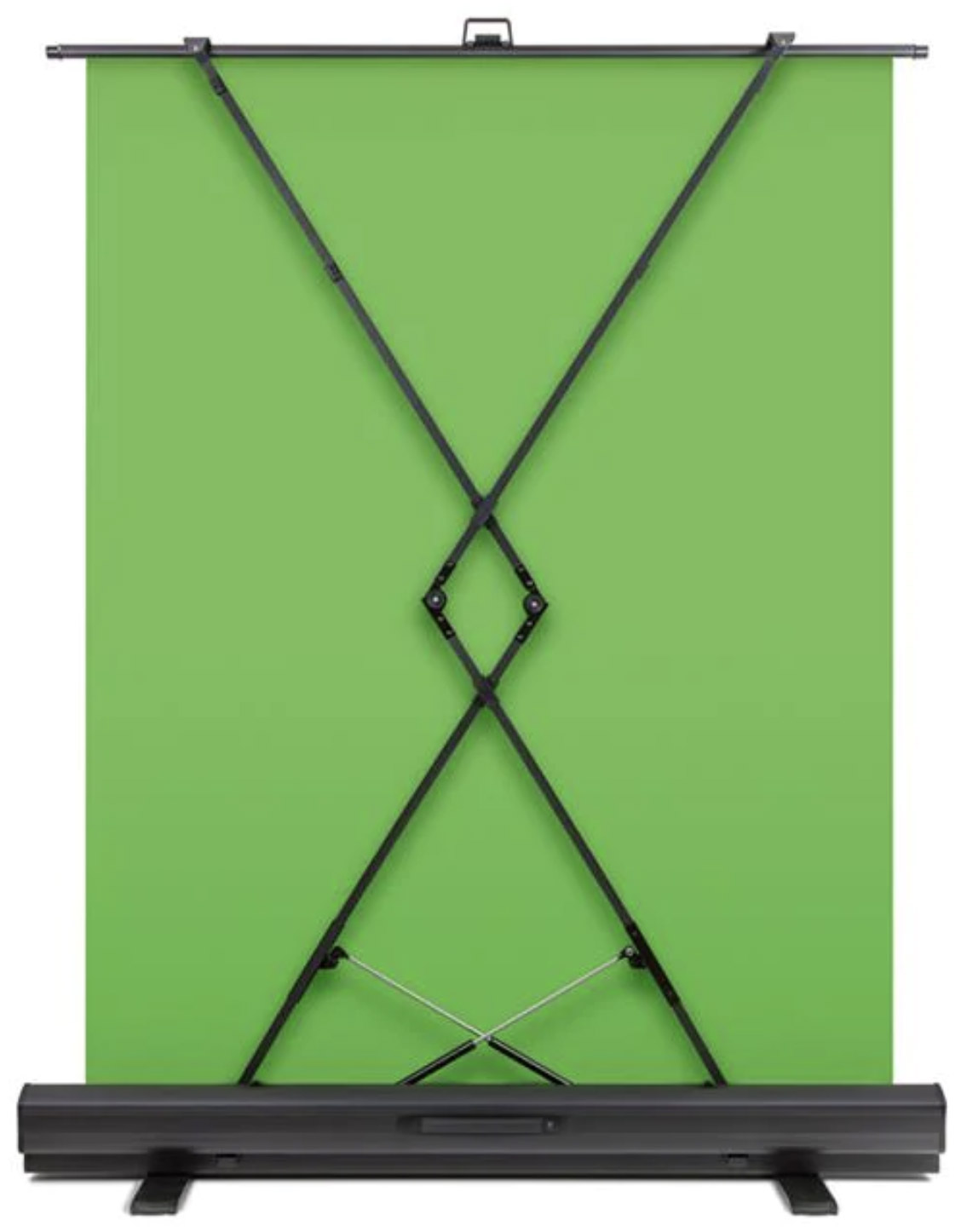 A portable green screen that’s very handy to use and large enough for my needs. www.elgato.com/us/sv/p/green-screen
Questions?
If you have any questions, just ask them here or on any social media.
About the author
Micke Kring
I'm fascinated by what happens when people and technology meet. After nearly 30 years in education and development, I explore, prototype and teach AI with the same playful curiosity as when I first started out.