Automatic subtitles for video - Include more | part 1 of 2
 Micke Kring
·
Micke Kring
·
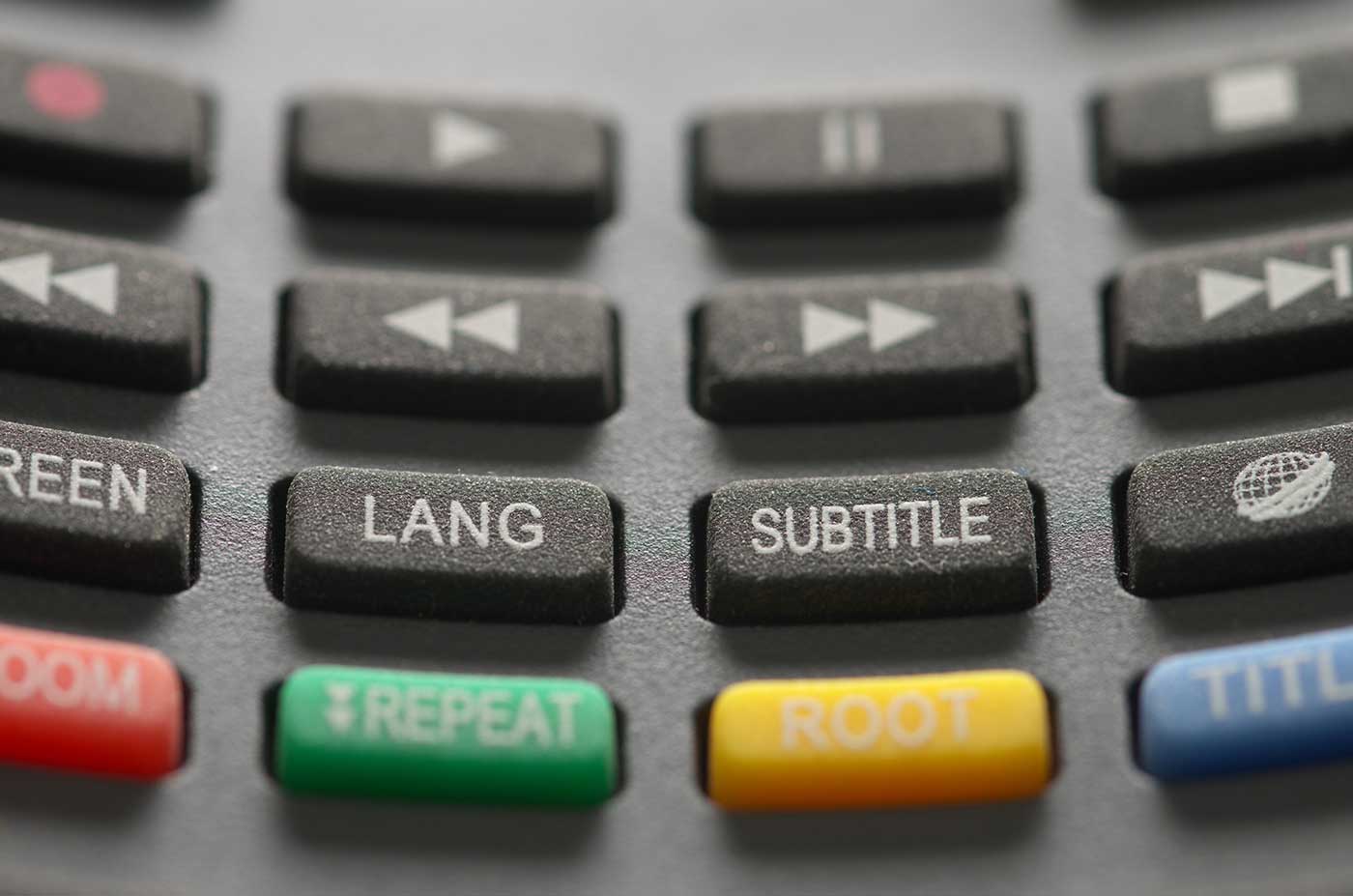
Video is more or less part of everyday life these days and is used by many to communicate in different ways. In the school world it can be anything from weekly newsletters, news clips, or principal announcements. However, this kind of video is rarely subtitled or translated. Since schools are neither media producers nor have unlimited time to spend on these kinds of productions, I thought I’d show a fairly quick and inexpensive workflow.
There are many reasons to subtitle and translate your videos. For example, those you want to reach may not all have Swedish as their mother tongue, or may have some form of hearing impairment. Since we’ve spent time creating a video, we also want to reach as many people as possible with it. This is the first of two parts about subtitling and translation from an inclusion and accessibility perspective. In the next part I will cover how we can automatically translate text and also get text-to-speech in multiple languages, for example on your class blog.
Automatic subtitling with Happy Scribe
In the video below (which, of course, is subtitled) I go through how I subtitle a video. A typical clip of around 3–5 minutes takes about 3 minutes of work. When I subtitle manually, the same video can take between 30–60 minutes of work. The better the audio and the clearer the people in the clip speak, the better the translation will be and the less you’ll need to change. Of course you can also edit the subtitle file afterwards and polish it as much as you want, but for smaller jobs it’s enough to be “good enough” and to have it take care of itself as much as possible. I’m using the service www.happyscribe.com that I just found. You can have a monthly subscription or you can buy an hour of translated video for €12. You get 30 minutes free to try when you create an account.
Translating subtitles
If you upload your file to YouTube, you can let YouTube automatically translate your file into all sorts of languages. Of course you can also adjust the translation there if needed.
Have any other tips?
If you use another useful service, or have any other tips, please leave a comment!
About the author
Micke Kring
I'm fascinated by what happens when people and technology meet. After nearly 30 years in education and development, I explore, prototype and teach AI with the same playful curiosity as when I first started out.