Running a blog network with 8,000 school blogs and 11,000 users
 Micke Kring
·
Micke Kring
·
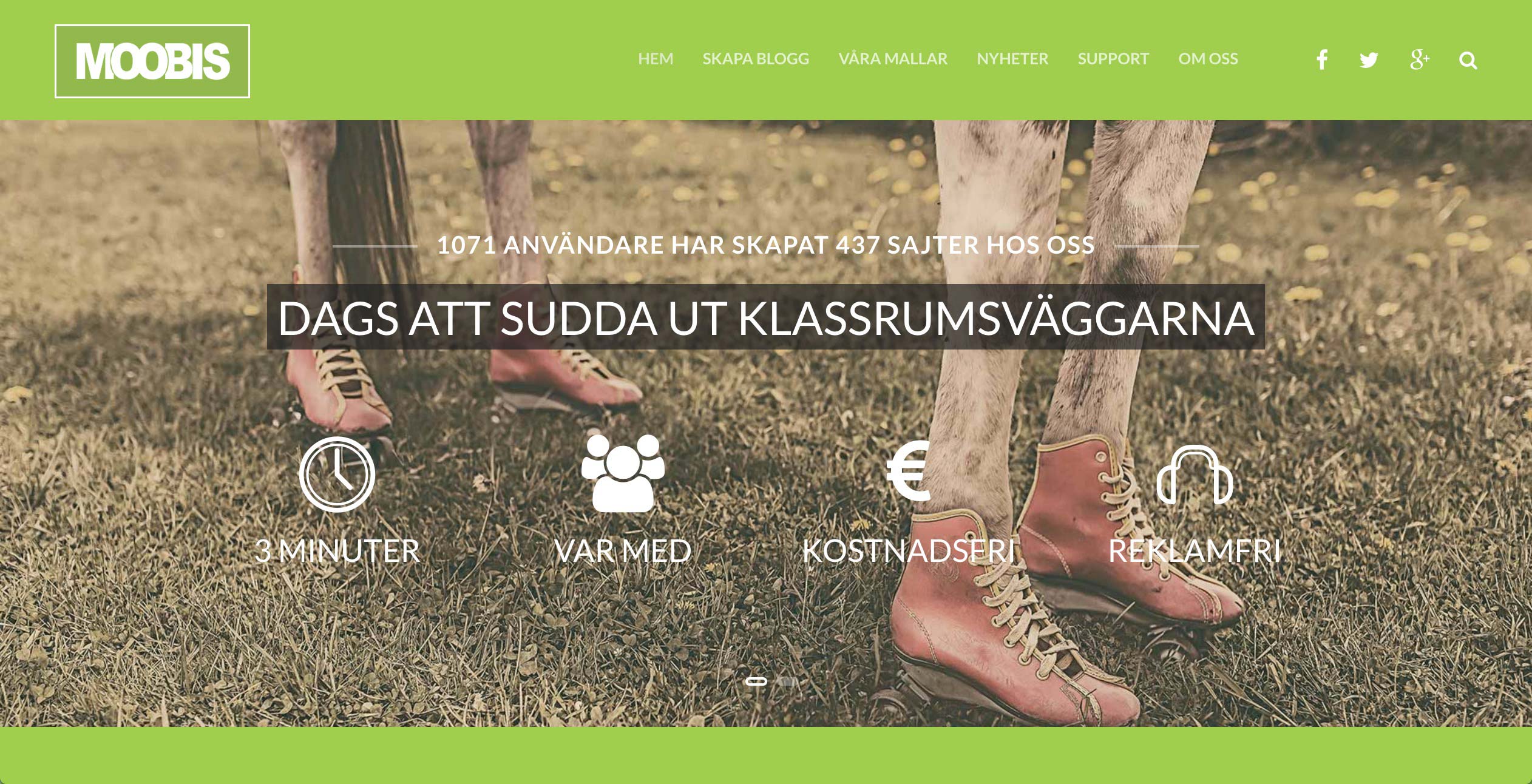
The need for simple websites and blogs is still great in schools. Letting students work with web publishing in the form of class blogs, book blogs, special projects and other things — in an easy way — is unfortunately not something many teachers find easy to solve. It’s even harder now because of GDPR. My tip, after having run a blog network containing almost 8,000 school blogs with 11,000 users, is that the school or municipality should set up its own blog service. It was needed in 2013 — and it still is.
After a tweet I saw today (from Marie), I suggested to her that a WordPress installation on, for example, the municipality’s own web servers is both a very cost-effective and easy-to-operate solution. As long as you don’t outsource it to some web agency. ;) With this you also get the ability to set up blogs and simple websites in minutes. It’s also important to remember that this is pedagogical work. So set the security bar accordingly. I promised to write a few lines about this. So here it is.
1. History | moobis.se | 23 April 2013 - 1 January 2018
On 23 April 2013 Martin (my mLabs colleague) and I started Moobis. A blog service for schools, with a few ready-made (and custom-built) themes, pre-populated categories and menus. Simply to be able to get started quickly. We started the service because we missed a genuinely free blogging alternative in the school world. That is, no hidden advertising or similar. The alternatives were few. There were the big networks with data being transferred abroad and no control over what appeared as advertising on the sites. When we launched we wanted to do our bit. Other services we had would help pay for this.
At its peak we had around 8,000 blogs and almost 11,000 users. It cost us around 1,000 SEK per month in server costs and I’d estimate my time for running and supporting it was around 30–60 minutes per month. Of course I had already built up a support site with instruction videos covering the most common questions — and I created new ones as soon as I identified that a question would be asked by several people. And WordPress is very easy for users to handle, even for beginners.
In the film below (from 18 March 2013) you can see the instructional video for how to create a blog.
If you want to read more, you can also read a post I wrote in 2013 when we had just launched.
After about 4 years, when Webbstjärnan (from Internetstiftelsen i Sverige) reopened its current service, it felt like we could start winding down Moobis. We had also hoped that schools and municipalities would set up similar services themselves, but that didn’t happen. And when Webbstjärnan also shut down its service, a vacuum arose that still has not been filled. This means that teachers around Sweden are back to running blogs on the big networks again, because their schools or municipalities do not provide this for them. So make sure you sort this out now!
2. The technology behind it
Here I’ll try (as far as I can remember) to give a super-simple overview of how Moobis was built (2013). It’s basically a standard WordPress installation with multisite enabled. Nothing magical. Anyone with a bit of technical knowledge of WordPress should have no major problems setting up something similar. Start here at https://developer.wordpress.org/advanced-administration/multisite/create-network/ 
Server: VPS - Ubuntu with nGinx, PHP, MySQL and APC cache.
WordPress: WordPress with multisite enabled.
Plugins: I won’t name specific plugins here, since some probably don’t even exist anymore or no longer work, and some I wouldn’t use today now that there are better GDPR-adapted variants. These are the basics, though.
- Antispam - comment spam - we also used it for blog registrations
- Extended mime types - extend upload file types, e.g. epub for e-books
- Content monitor - keeps track of and reports unwanted words and phrases
- Statistics
- Security
- WP-admin CSS - remove unnecessary clutter in the admin panel for regular users
- Blog defaults - sets up a template for newly created blogs with settings
- Blog templates - so you can build ready-made templates including theme, categories, menus, etc.
- Cache
- Domain mapping - if you want to have your own (external) domain name connected to a blog
- User role editor - to tailor permissions for users
Themes: We used WordPress default themes and I built child themes for them. We also had about ten other themes we tested beforehand to make sure they seemed okay. Below you can see (unfortunately in poor resolution) our first three themes.
Domain names: We ran Moobis with subdomains, i.e. abc.moobis.se instead of subdirectory moobis.se/abc. All of this ran with very high uptime and little maintenance. Just make sure to build a support site with instruction videos and similar, and users will solve most things themselves.
Questions and answers
If any of you are interested in learning more, as usual just get in touch. Good luck!

About the author
Micke Kring
I'm fascinated by what happens when people and technology meet. After nearly 30 years in education and development, I explore, prototype and teach AI with the same playful curiosity as when I first started out.